Guides & Explainers•
6 min read
•
Updated 2026-10-21

M3U vs. Xtream Codes: Which IPTV Connection Method Should You Use?

Flexe IPTV Technical Team
Streaming Infrastructure & Client Support
Technical 3D comparison illustration contrasting raw M3U code streams with organized Xtream Codes API database architecture

When you set up an IPTV subscription on any media player, you will encounter two primary connection choices: inputting a lengthy M3U playlist URL or logging in via the Xtream Codes API using a server address, port, username, and password. While both methods ultimately grant access to the exact same live television broadcasts and on-demand movies, they interact with your hardware in fundamentally different ways.

Understanding these technical distinctions will help you pick the optimal protocol for faster guide loading, lower memory consumption, and smoother channel switching across your streaming devices.

1. What is an M3U Playlist and How Does It Function?

The M3U format originated in the 1990s as a plain text playlist for Winamp audio files and was later adapted for multimedia streaming.

An M3U (or M3U8) file is essentially a text document with lines beginning with '#EXTINF:' followed by channel metadata tags such as 'tvg-id', 'tvg-name', 'tvg-logo', and 'group-title'. Below each metadata header is the direct URL to the MPEG-TS or HLS video stream.

When you load an M3U URL into a player, your device must download the entire text file over the internet and parse every single line into local memory before displaying the channel list. With a modern IPTV service containing over 18,000 live streams and thousands of VOD movies, this file can easily exceed 20 to 30 megabytes of raw text.

On resource-constrained hardware such as older Smart TVs or basic streaming sticks with 1GB of RAM, downloading and parsing this massive file on every app launch frequently causes sluggish response times, frozen menus, and out-of-memory app crashes.

2. What is the Xtream Codes API Protocol?

The Xtream Codes API is a client-server REST protocol designed specifically for high-capacity IPTV platforms and media players.

Instead of sending a monolithic 30MB text file to your TV, the Xtream Codes API communicates through lightweight JSON (JavaScript Object Notation) endpoints. When you launch your app, it sends a quick authentication request containing your username and password to the server's 'player_api.php' endpoint.

The server validates your credentials, checks your active subscription duration and simultaneous screen allowance, and returns a compact list of category bouquets (e.g. Sports, Cinema, News, Entertainment) rather than thousands of individual channel URLs.

Channels and program guides are only requested on demand when you actually open a specific bouquet. This query pagination reduces the initial download payload from 30MB down to a few kilobytes, allowing apps like TiviMate or IPTV Smarters to launch in under two seconds.

Automated EPG URL Configuration

When you connect using the Xtream Codes API, your player automatically acquires the correct XMLTV Electronic Program Guide URL from the server. You never have to manually copy and paste secondary EPG addresses.

3. Architectural Comparison: Text Parsing vs. REST API

Comparing the core performance characteristics of both formats reveals why modern streaming apps prioritize API integration.

Feature / MetricM3U Playlist URLXtream Codes API
Initial App Boot Time15 - 60 seconds (Full parse)1 - 3 seconds (Token check)
Client Device RAM UsageHigh (Stores 20-30MB text)Minimal (On-demand JSON)
EPG Schedule SetupRequires manual secondary URLFully automated sync
VOD Poster & Subtitle SupportBasic text or missingRich poster art, synopsis, cast
Connection Status TrackingBlind connectionDisplays expiry date & active screens
Catch-Up & TimeshiftComplex manual mappingNative player integration

4. Category Organization, EPG Integration & VOD Pagination

The biggest user experience upgrade of Xtream Codes lies in clean media separation and metadata presentation.

In an M3U playlist, live television, movies, and TV series episodes are lumped into a single linear list. If a provider offers 50,000 on-demand titles, scrolling through your guide becomes tedious and slow.

The Xtream Codes architecture cleanly divides your subscription into three dedicated database views: Live TV, Movies (VOD), and Series. Furthermore, VOD entries include high-resolution cover posters, IMDb ratings, release years, director credits, and multi-language subtitle tracks fetched dynamically from the server.

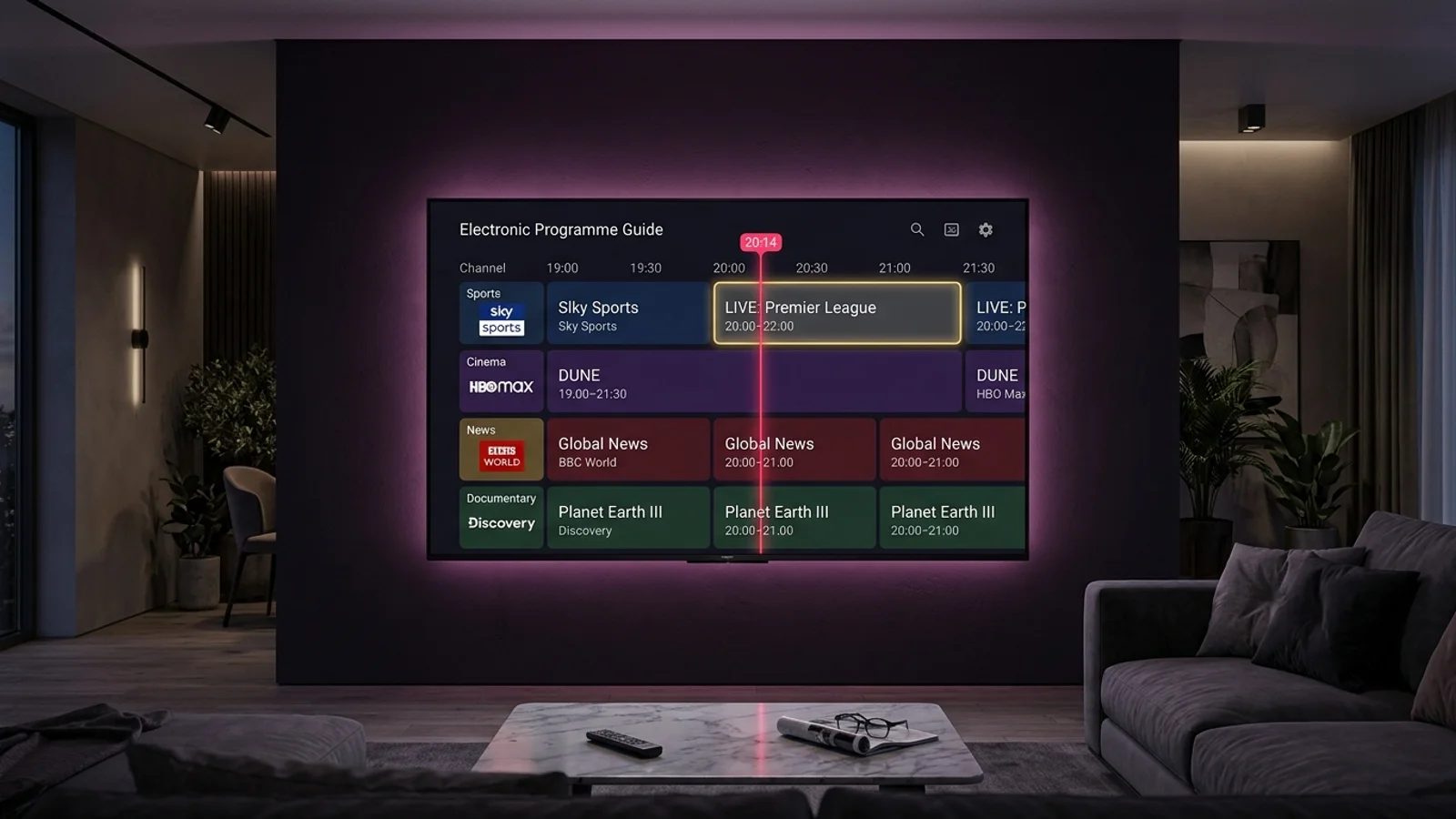
For live sports, the API automatically links each stream to its exact EPG timeline based on standardized channel IDs, eliminating timezone and scheduling mismatches as detailed in our EPG configuration guide.


5. Which Protocol Should You Choose for Your Device?

Follow these clear guidelines based on your hardware platform and chosen player application.

  • Firestick, Android TV & Google TV: Always choose Xtream Codes with TiviMate, IPTV Smarters Pro, or OTT Navigator for lightning-fast performance and instant guide updates.
  • Samsung Tizen & LG webOS Smart TVs: Always use Xtream Codes in IPTV Smarters Pro or IBO Player to prevent the TV's limited web browser engine from running out of memory.
  • Apple TV (tvOS): Use Xtream Codes with UHF or IPTVX to enable full poster artwork and hardware-accelerated video decoding.
  • VLC Media Player (PC/Mac): Use the M3U playlist URL if you only need a lightweight desktop player for quick stream monitoring without an elaborate EPG grid.
Next Steps & Resources

Ready to Experience High-Performance IPTV?

Put these tips into practice with Flexe IPTV's 4K streaming network. Test our 18,000+ channel catalog with a 24-hour test line or select a flexible multi-screen subscription plan.

Keep Learning

Related Streaming Guides

View all guides