Streaming Quality & Hardware•
6 min read
•
Updated 2026-10-21

What Internet Speed Do You Need for IPTV? Bandwidth, Bitrates & Latency Explained

Flexe IPTV Technical Team
Streaming Infrastructure & Client Support
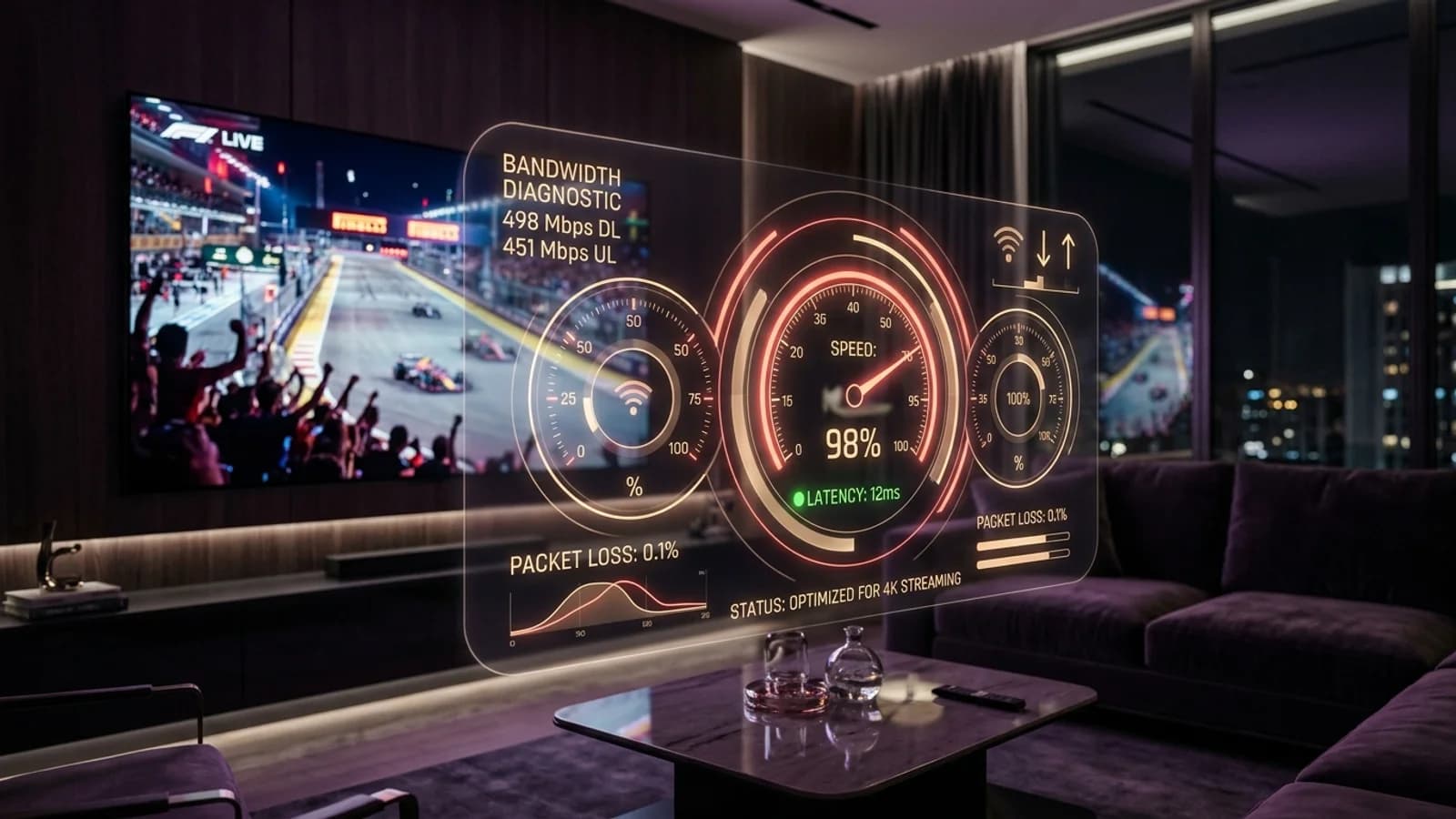
Digital speed test meter showing high bandwidth throughput and low ping latency for 4K streaming

When prospective subscribers ask about internet speed requirements for IPTV, they are often given simplistic answers like 'you need 25 Mbps'. In reality, smooth streaming depends on several interdependent variables: stream resolution, frame rate (30FPS vs 60FPS sports), video compression codecs, network jitter, and concurrent household internet usage.

This technical guide breaks down the precise speed and latency thresholds required for buffer-free live broadcasts and 4K Ultra HD on-demand content with Flexe IPTV.

1. Minimum & Recommended Speeds by Resolution

A live television stream requires sustained, unthrottled downstream throughput without momentary dips.

Unlike pre-recorded video on YouTube which can buffer several megabytes ahead during quiet scenes, live broadcast feeds arrive in continuous transport stream segments. If your connection drops below the stream's bit depth for even a fraction of a second, playback halts.

To guarantee buffer-free viewing, your available download speed should provide at least a 30% safety overhead above the stream's encoding bitrate. For instance, a high-bitrate 1080p 60FPS football broadcast encoded at 12 Mbps requires a stable 16 to 20 Mbps download pipeline.

Stream ResolutionEncoding BitrateMinimum SpeedRecommended Speed
Standard Definition (SD 480p)1.5 - 2.5 Mbps4 Mbps8 Mbps
High Definition (HD 720p/1080p 30fps)4.0 - 7.0 Mbps10 Mbps15 Mbps
Full HD Sports (1080p 60fps)9.0 - 14.0 Mbps18 Mbps25 Mbps
4K Ultra HD (2160p HDR HEVC)18.0 - 28.0 Mbps35 Mbps50 Mbps

2. Video Codecs: H.264 (AVC) vs. H.265 (HEVC)

Modern video compression algorithms allow pristine 4K video delivery at significantly lower bandwidth consumption.

Legacy IPTV systems encoded video exclusively in H.264 (Advanced Video Coding). While universally supported by virtually all older hardware, H.264 requires substantial bandwidth to maintain clarity in high-motion sports broadcasts without pixelation.

Flexe IPTV leverages modern H.265 (High Efficiency Video Coding, or HEVC) for premium 4K channels and sports feeds. HEVC achieves roughly double the data compression of H.264 at the exact same visual quality level. A pristine 4K 60FPS stream that would require 45 Mbps in H.264 can be delivered smoothly at 22 to 25 Mbps in HEVC.

To take advantage of HEVC streams without device overheating or frame skipping, ensure your streaming hardware has dedicated hardware decoding capabilities, such as the Firestick 4K Max, Apple TV 4K, or modern Smart TVs.
3. Ping, Jitter & Packet Loss: The Hidden Killers

Raw download speed is useless if your connection suffers from high latency and unstable packet delivery.

Many subscribers wonder why their streams buffer despite having a '100 Mbps fiber line'. The culprit is almost always ping latency and packet jitter. Ping represents the round-trip time required for data to travel from your TV to our server nodes. Jitter is the variance in ping over time.

In live IPTV streaming, ping should ideally remain below 50 milliseconds, and packet jitter should be under 10 milliseconds. If jitter spikes to 40ms, video packets arrive out of sequential order, forcing your player to halt playback while attempting to reconstruct the frame.

Packet loss exceeding 1% causes immediate visual macroblocking (digital pixel squares) and screeching audio artifacts. If you experience these symptoms, review our buffering troubleshooting guide to optimize your router settings.

Ideal Network Thresholds for Live Sports

Ping: Under 45ms | Jitter: Under 5ms | Packet Loss: Exactly 0.0% | Minimum Sustained Speed: 25 Mbps per screen.

4. Multi-Screen Household Bandwidth Calculations

Calculate your total required bandwidth when multiple family members stream simultaneously across different rooms.

If your household utilizes a multi-device subscription pass—such as streaming a Premier League match in the living room while children watch a 4K Disney film in the bedroom—your internet connection must support both streams simultaneously without contention.

Use this practical household calculation formula: Total Required Bandwidth = (Sum of Active Stream Bitrates x 1.3 Overhead) + Household Baseline Usage (e.g. 15 Mbps for browsing, gaming, and smart devices).

For example: One 1080p 60fps sports stream (20 Mbps) + One 4K movie stream (35 Mbps) + Household baseline (15 Mbps) = 70 Mbps total sustained download speed.

5. Accurate Speed Testing & Connection Optimization

Standard speed test websites can report misleading results by testing against a nearby ISP server rather than external transit routes.

  • Test Outside Your ISP Network: When running a speed test on Ookla, manually select a server located in a major international peering hub (e.g., Frankfurt, London, or New York) to measure true transit speeds.
  • Test on the Streaming Device Directly: Do not test speed on your smartphone while standing next to the router. Install the 'Analiti' speed test app directly on your Firestick or Android TV to measure exact throughput at the television.
  • Disable Background Torrents and Downloads: Ensure cloud backup services, game updates on consoles, and peer-to-peer applications are paused during live matches.
  • Enable Quality of Service (QoS): Log into your router's administration panel and configure QoS to prioritize media streaming packets from your TV's IP address above guest network traffic.
Next Steps & Resources

Ready to Experience High-Performance IPTV?

Put these tips into practice with Flexe IPTV's 4K streaming network. Test our 18,000+ channel catalog with a 24-hour test line or select a flexible multi-screen subscription plan.

Keep Learning

Related Streaming Guides

View all guides